FortiGate Cloud 无法登录
2025/10/29大约 1 分钟
FortiGate Cloud 无法登录
问题描述
某用户环境使用 SD-WAN 部署,SD-WAN 成员中包含 IPSec 隧道(无法访问 Internet)和 ISP 线路(可以访问 Internet),本机默认路由指向 SD-WAN 接口(默认路由在 IPSec 接口和 ISP 线路上负载),FortiGuard 配置中指定 FortiGuard 流量的出接口为 wan1。
Spoke1 # get router info routing-table all

Routing table for VRF=0
S*      0.0.0.0/0 [10/0] via 172.22.6.1, wan2, [1/0]
                  [10/0] via 172.22.6.1, wan1, [1/0]
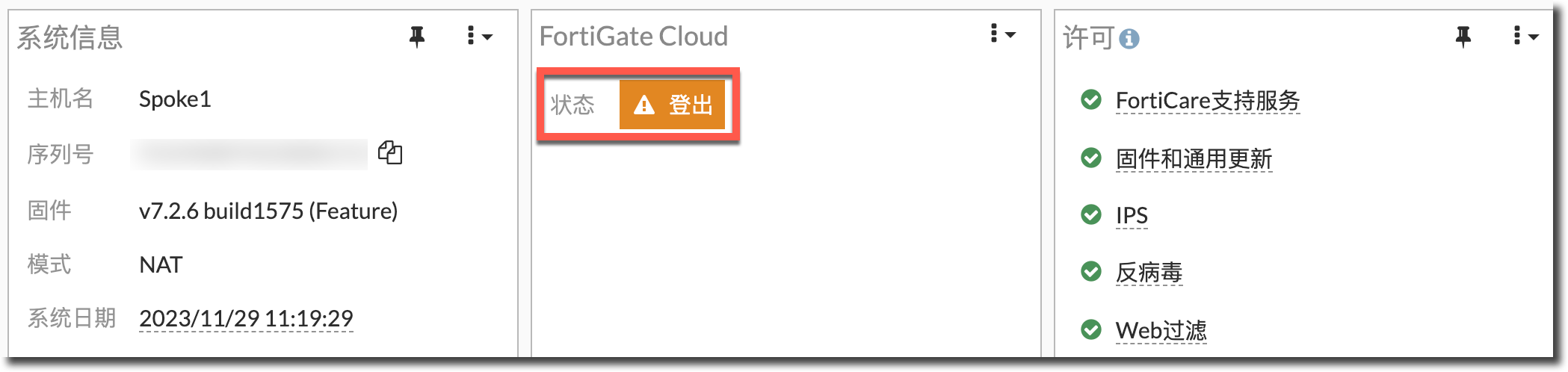
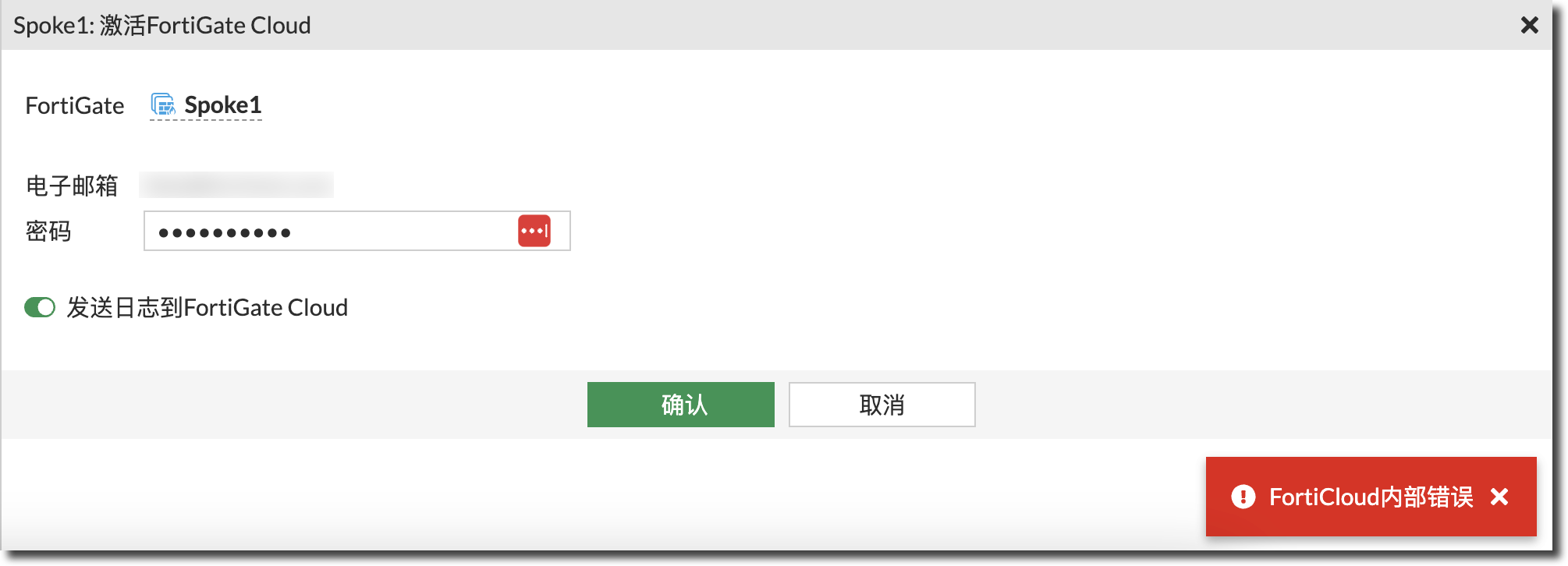
config system fortiguard set interface-select-method specify set interface "wan1" endFortiGuard 更新正常,但登录 FortiGate Cloud 时提示错误,无法登录。
问题原因
FortiGate Cloud 登录、记录日志流量的源 IP、线路选择方式在 config log fortiguard setting 下配置,而不是在“config system fortiguard”下。默认配置如下,接口选择方式为自动,参考路由表决定出接口和源 IP,可能选择 IPSec 接口发送,导致 FortiGate Cloud 无法登录或发送日志到 FortiCloud。
config log fortiguard setting
    set status enable
    set source-ip 0.0.0.0
    set interface-select-method auto
end
解决方法
在 config log fortiguard setting 下指定 FortiCloud 流量的接口为 ISP 线路接口。
config log fortiguard setting
    set interface-select-method specify
    set interface "wan1"
end
结果验证
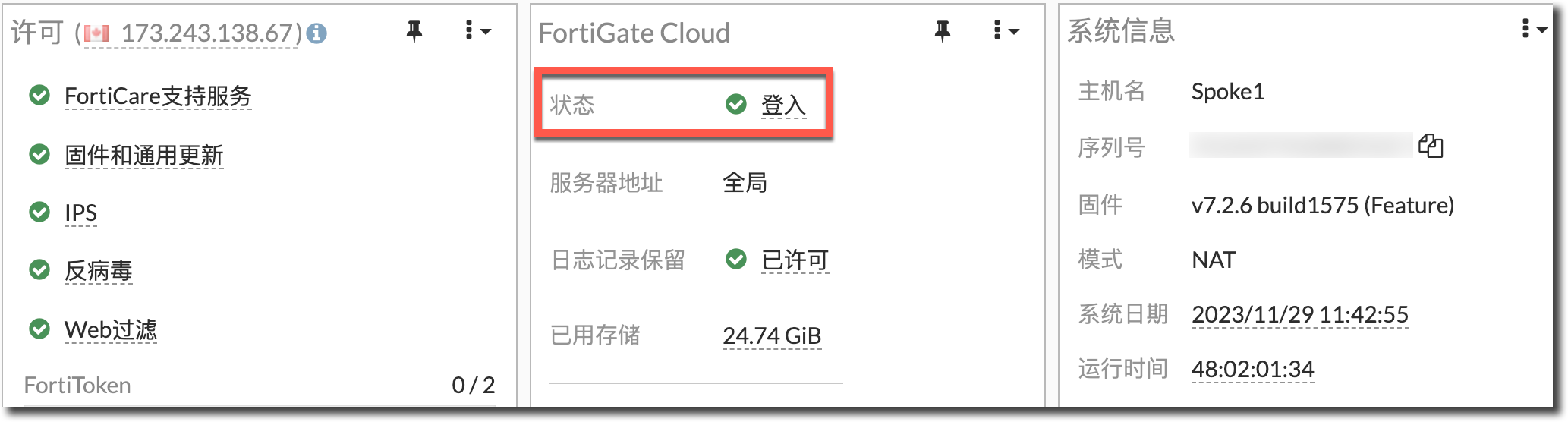
FortiGate Cloud 可以正常登录,且可以正常发送日志到 FortiCloud。